
Protect PDF
Encrypt and password-protect PDF files, processed locally only.
How to Password-Protect PDFs Online
Secure your sensitive documents with military-grade encryption in just a few quick steps:
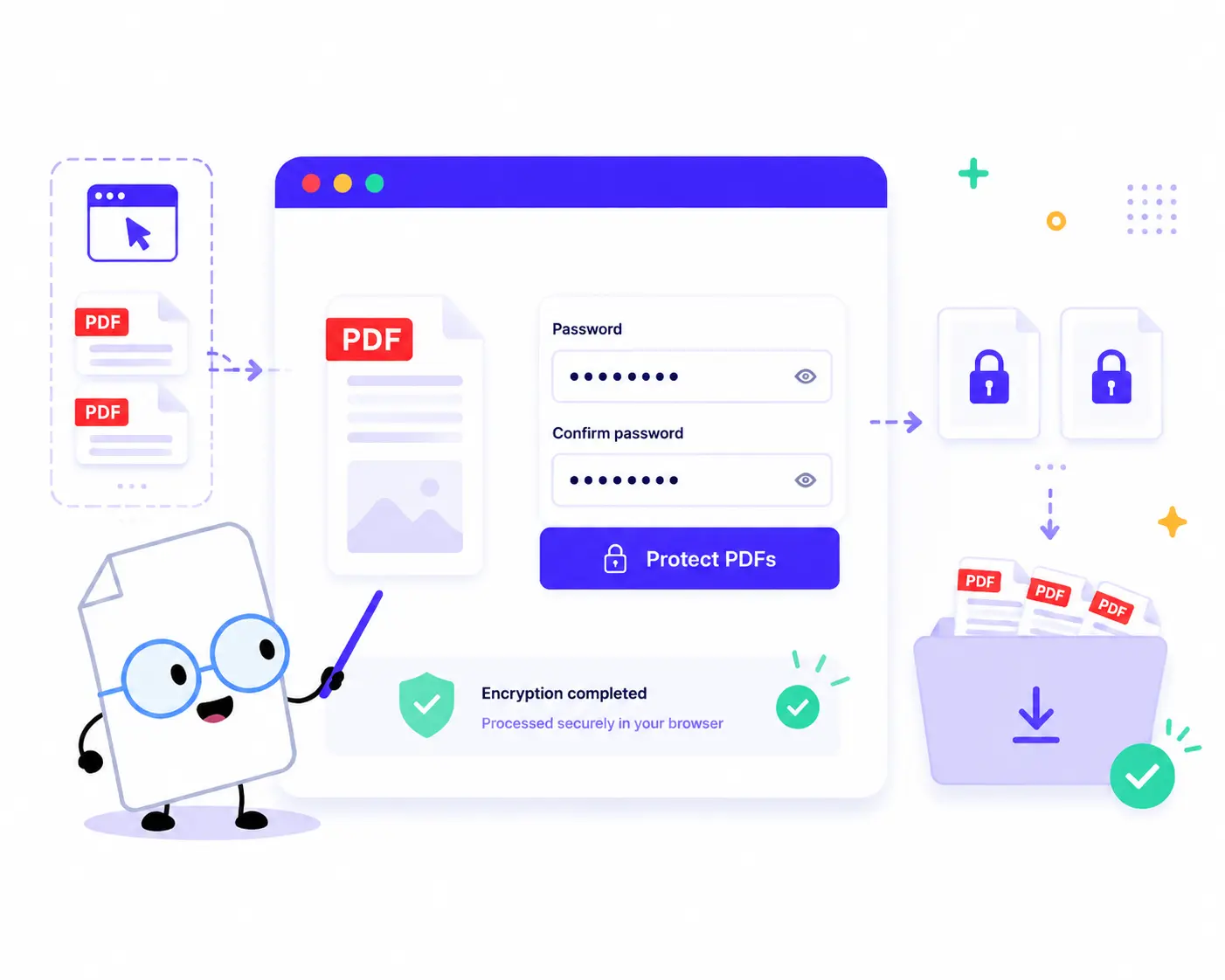
1. Upload Your PDFs: Drag and drop or click to choose your files. You can upload a single document or add multiple PDFs to secure them in bulk.
2. Set Your Password: Type your strong password into the Password field, then type it again in the Confirm password box to avoid any typos.
3. Encrypt Locally: Click the Protect PDFs button. The tool instantly locks your documents using secure client-side scripts directly within your web browser.
4. Download Your Secured Files: Check the summary (total secured files and input size) and grab your protected documents as individual files or combined in a single ZIP file.
Key Features of Our PDF Protector
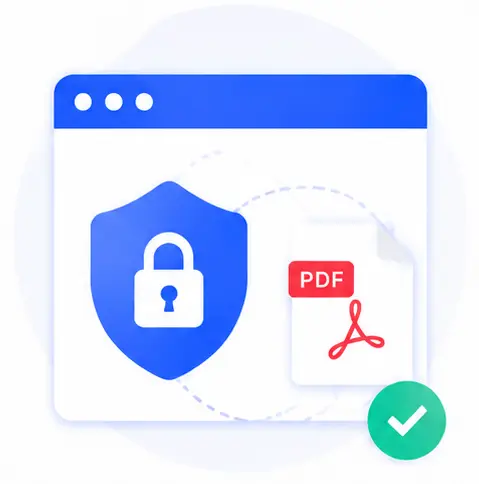
100% Local & Private Processing
Your files and passwords stay in your browser. Traditional tools upload your data to a remote cloud, which exposes your passwords. Our tool performs all cryptographic operations locally on your machine, ensuring total data privacy.
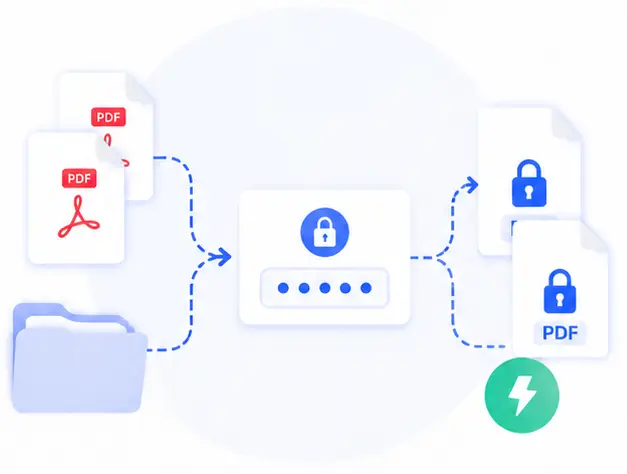
Effortless Batch Protection
Need to secure an entire folder of contracts or reports? Load them all into the workspace simultaneously, set your master password, and encrypt the entire batch with one single click.
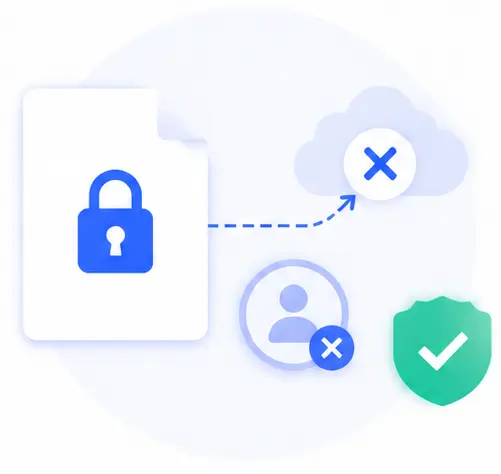
No File Traces, No Sign-ups
Since no external servers are involved, your files are never cached, saved, or logged online. Plus, you get complete, professional-grade encryption without needing an account or registration.
Instant Offline Speeds
Because there are no tedious file uploads or downloads from an external host, the password protection happens almost instantly, preserving your bandwidth and time.
Protect PDF Online FAQs
Are my passwords and documents safe from leaks using this tool?
Absolutely. This page writes password-protected PDF downloads locally. Neither your uploaded documents nor the passwords you enter are ever transmitted over the internet or stored on a cloud server. It is completely confidential.
Can I apply a password to multiple PDFs at the same time?
Yes! Our tool is built for high efficiency. You can click “Add more PDFs” to append multiple documents to the file queue, set your password settings, and protect all of them simultaneously.
What kind of encryption is used to lock my PDFs?
The tool applies industry-standard PDF encryption protocols that match standard PDF viewer security standards, ensuring that any authorized recipient will need to enter the exact password to unlock or read the text.
Do I need to buy a software license or extension?
Not at all. This tool is completely free and web-based. It runs seamlessly on any modern web browser (such as Chrome, Firefox, Safari, or Edge) on desktop and mobile devices alike, with no hidden fees or strings attached.