
Unlock PDF
Remove PDF password quickly, file never leaves your device.
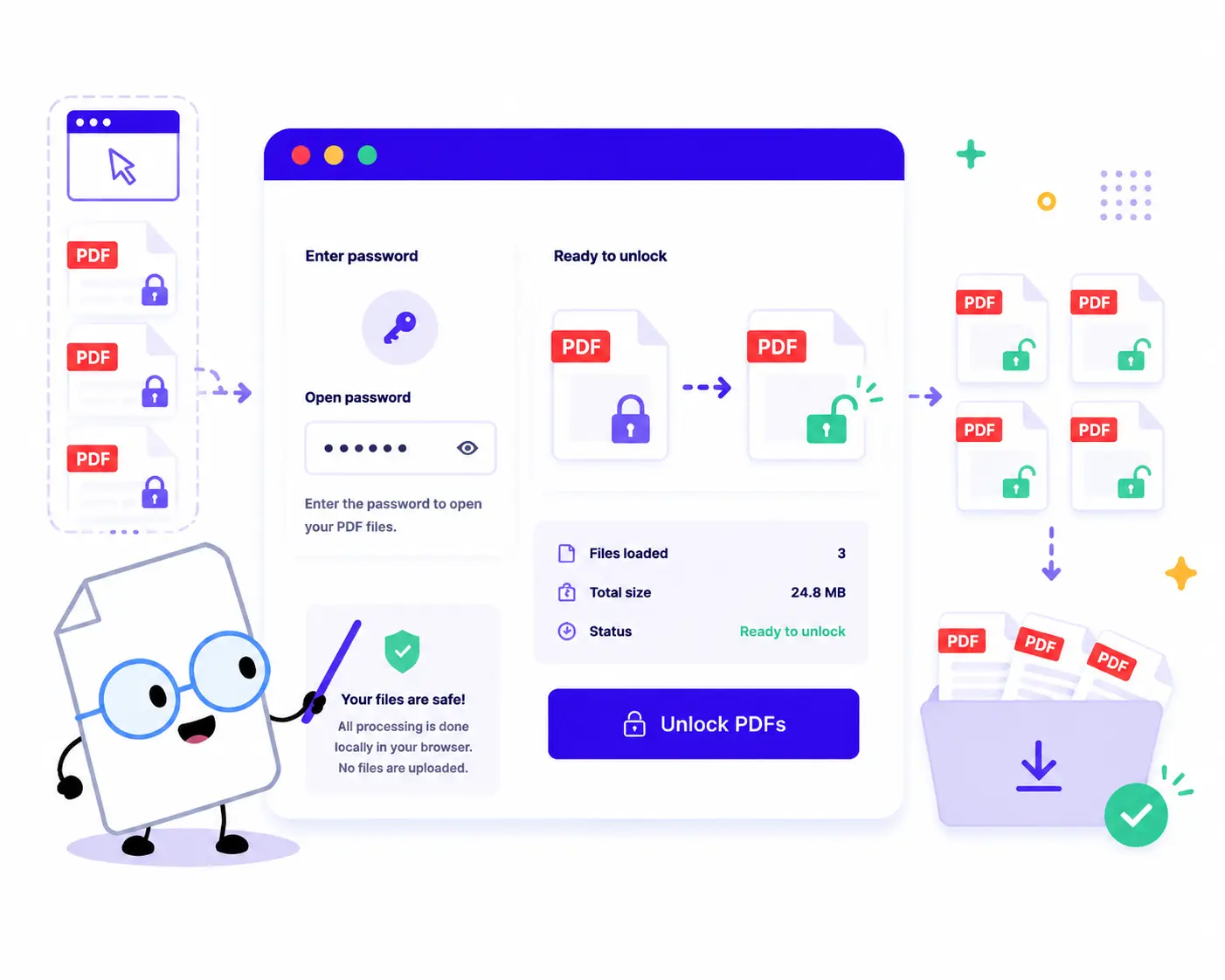
How to Unlock PDF Files Online
Remove restrictions and passwords from your PDF documents in just a few quick steps:
1. Upload Your Locked PDFs: Drag and drop or click to choose your documents. You can upload a single document or add multiple protected PDFs to process them together.
2. Enter the Open Password: Type the corresponding password into the Open password field in the sidebar panel.
3. Decrypt Locally: Click the Unlock PDFs button. The tool will decrypt and strip the password layer using secure local client-side scripts inside your browser.
4. Download Clean PDFs: Review the file summary metrics and click Download ZIP to save your fully unlocked PDF documents instantly.
Key Features of Our PDF Password Remover
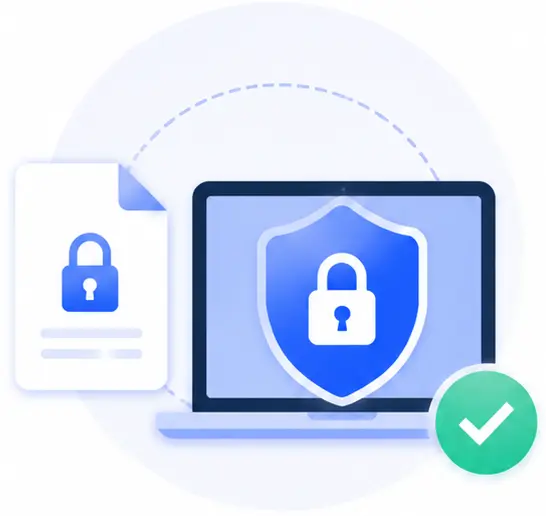
100% Secure Local Decryption
Absolute data security. Traditional online tools require you to upload your confidential files and passcodes to external clouds. Our tool decrypts documents locally on your own machine, ensuring your keys and content stay private.
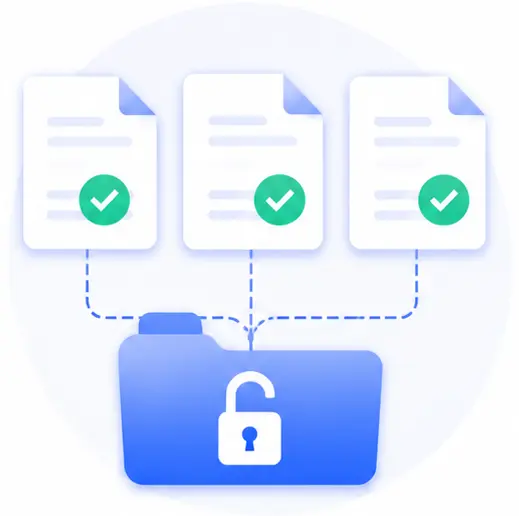
Batch Processing Support
Have a collection of monthly bank statements or locked project sheets that share the same credentials? Drop them into the queue all at once to skip the repetitive hassle of processing one by one.

Instant Browser Performance
Because there are no tedious file uploads to network endpoints or queues, the processing finishes immediately, rendering unlocked versions as local downloads in a flash.

Completely Unrestricted & Free
Access your files without signing up or getting hit with hidden subscription paywalls. There are no limits on page counts or document sizes.
Unlock PDF Online FAQs
Is it safe to enter my sensitive passwords on this web page?
Yes, perfectly safe. This tool is built entirely on modern local architecture. Pages are rendered into new unlocked PDF downloads locally on your device. Neither your passwords nor your actual documents are ever sent to an external server.
Can this tool crack a PDF password if I completely forgot it?
No. To ensure proper legal and authorized use, this tool requires you to know and input the correct current “Open password”. It then automates the process of removing that security layer so you don’t have to re-enter it every time you open the document.
Will unlocking the PDF affect the embedded links, fonts, or image resolutions?
Not at all. The decryption tool only cleans the cryptographic container permissions flag from the file architecture. All your internal text layouts, hyperlinked objects, vector formatting, and image items remain pixel-perfect and untouched.
Can I use this password removal tool while working offline?
Yes! Once the webpage workspace loads completely inside your active browser tab, it functions independently of an internet connection. You can seamlessly decrypt batches of stored local files even while completely disconnected from the network.