
Rotate Image
Rotate JPG and PNG images in batch, runs right in your browser.
How to Rotate Images in Bulk Online
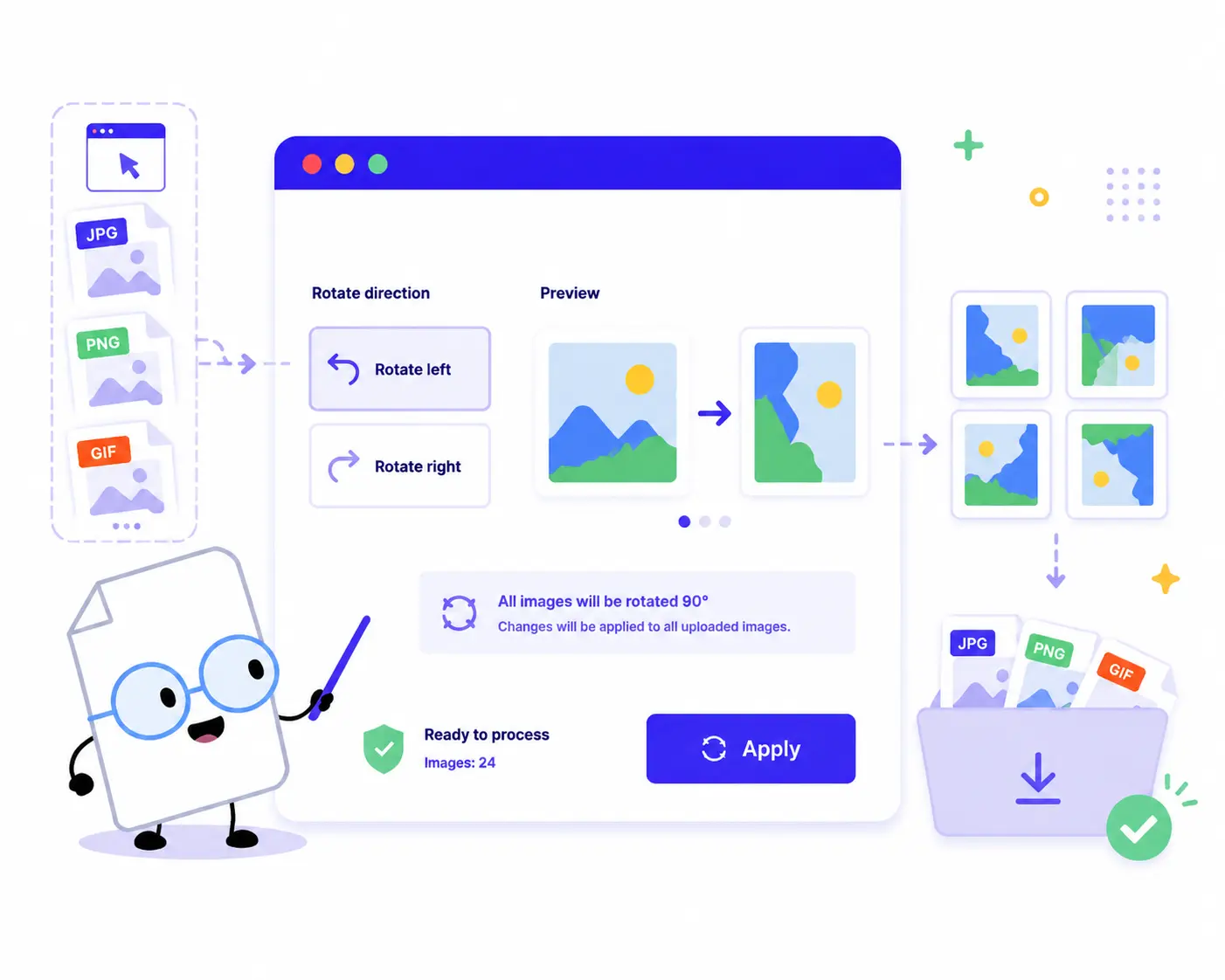
Flip and orient your visual content in just a few simple steps:
1. Upload Your Images: Drag and drop or click to choose your files. You can select a single image or load a large batch of JPG, PNG, or GIF files at once.
2. Choose Your Direction: Use the control panel to choose your modification: Click Rotate left to turn your images 90 degrees counter-clockwise. Click Rotate right to turn your images 90 degrees clockwise.
3. Apply Layout Changes: Click the Apply button to update your changes instantly across the entire image queue.
4. Download Your Files: Review the final live previews and click Download ZIP to save all your perfectly oriented images in one single package.
Key Features of Our Online Image Rotator

Runs Directly in Your Browser
Your privacy is fully protected. Because the entire application operates using local client-side scripts, your files are never uploaded to any server. They stay strictly on your machine.
High-Efficiency Batch Rotation
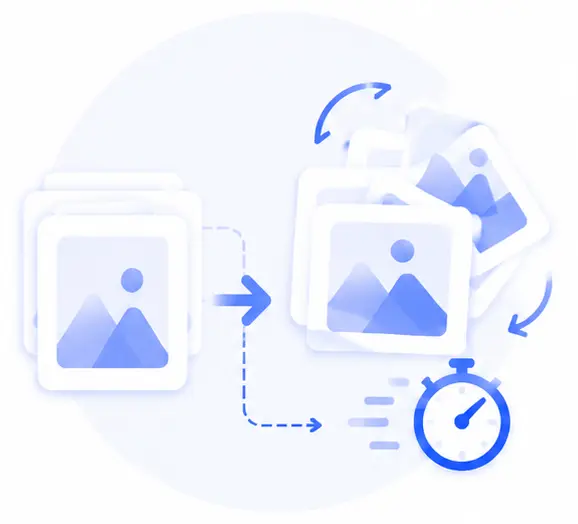
Stop opening photos one by one in heavy editing software. Drop your entire folder into our workspace and spin dozens of images simultaneously to save valuable time.
Versatile Graphic Support
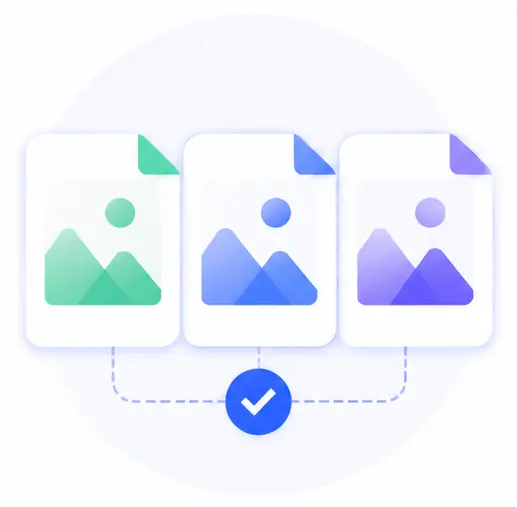
Whether you are organizing digital photography snapshots, web layouts, or animations, our tool seamlessly handles JPG, PNG, and GIF formats together in the same batch.
Zero Quality Loss
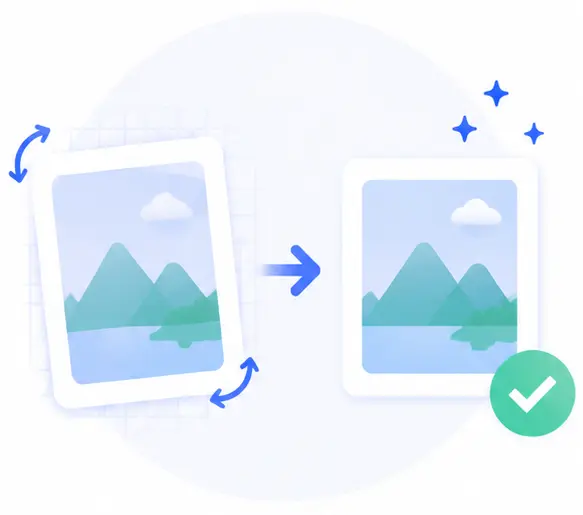
Correcting image orientation shouldn’t degrade your files. Our tool modifies your file parameters quickly and cleanly without re-compressing your data, ensuring your visuals stay sharp.
Rotate Image Online FAQs
Is it safe to load my personal or private photos into this tool?
Yes, it is 100% secure. Unlike traditional cloud apps, our utility processes and updates everything locally inside your own web browser. Your photos are never sent across the network or stored on external servers.
Can I rotate a combination of JPG and PNG files at the same time?
Absolutely. You can select a mixed assortment of JPG, PNG, and GIF formats, upload them together, apply the preferred rotation direction, and download them all at once.
Does rotating images degrade their pixel clarity?
Not at all. The tool performs clean mathematical rotations on your data streams, meaning your images preserve their exact original resolution, color space, and details with absolutely zero degradation.
Do I need to register an account or pay for full bulk downloads?
No, this service is completely free, open, and requires no account creation, log-ins, or tool installations. You can format as many files as you want without encountering hidden premium paywalls.