
Merge PDF
Combine multiple PDFs into one, files never leave your device.
How to Merge PDF Files Online
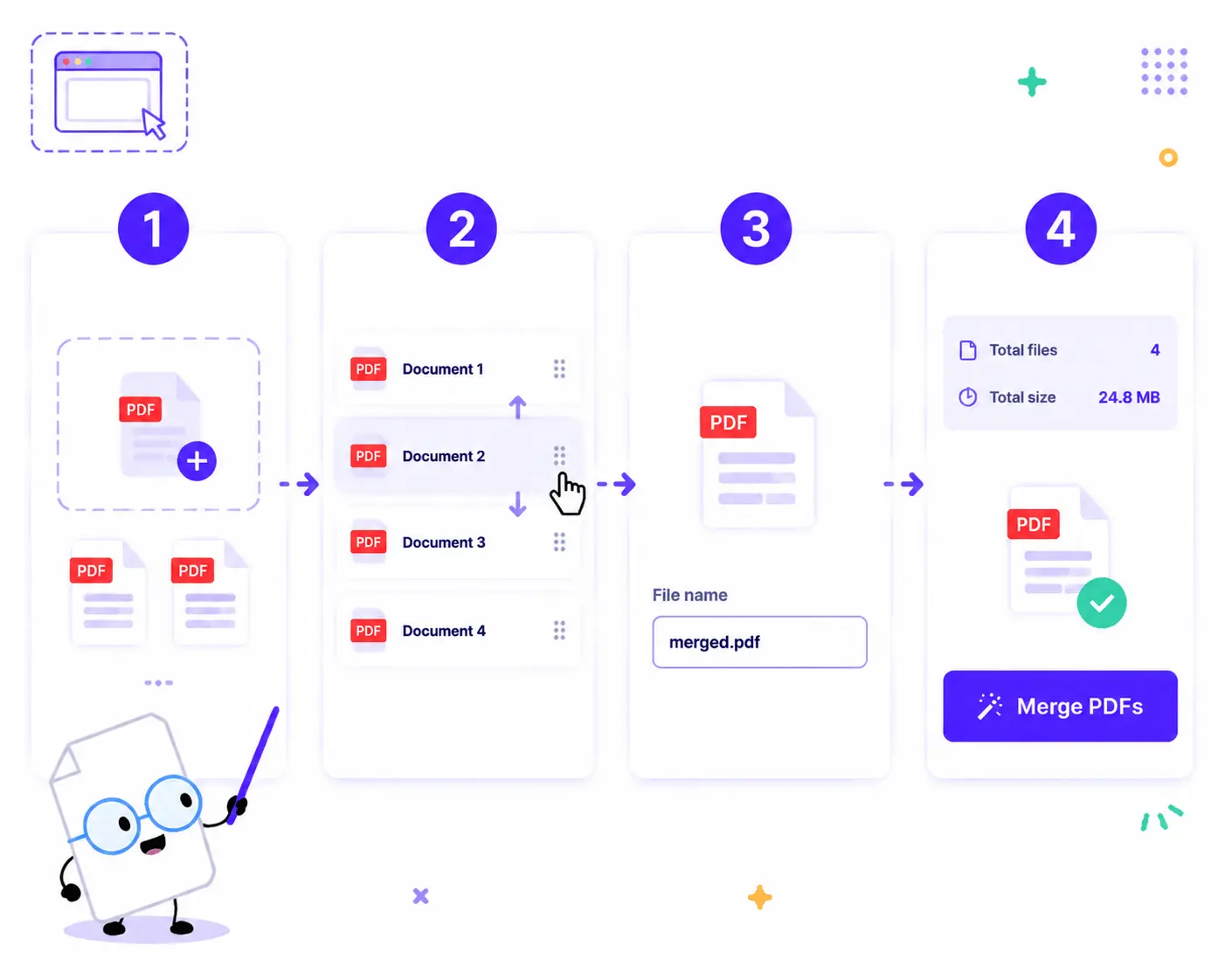
Combine your PDF documents into a single file in just a few quick steps:
1. Upload Your PDFs: Drag and drop or click to choose your documents. You need to add two or more PDFs to start.
2. Arrange the Order: Once your files are loaded, simply drag and drop the items in the list to rearrange them into your preferred sequence.
3. Name Your File: Type your desired name in the File name input box under the Output section (defaults to merged.pdf).
4. Merge and Save: Review the summary (total files and input size) and click the Merge PDFs button to generate and download your single merged document instantly.
Key Features of Our PDF Merger
100% Secure Local Merging
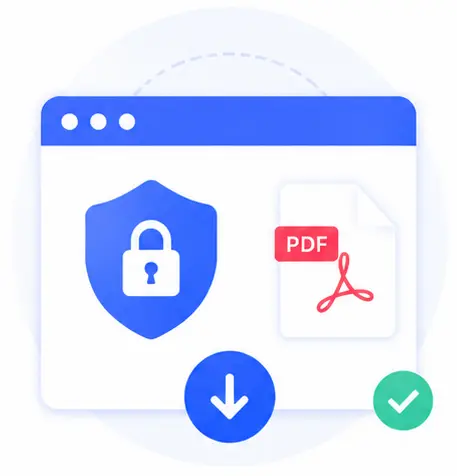
Your privacy is completely guaranteed. PDF files are read and processed locally inside your web browser. The merge result is generated as a local download, meaning your sensitive documents are never uploaded to any cloud or server.
Intuitive Drag-and-Drop Reordering
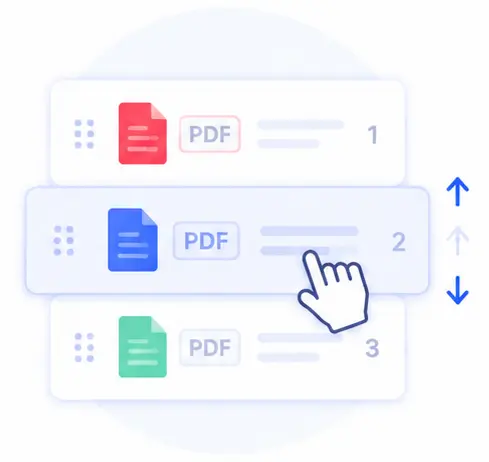
Taking control of your document structure is seamless. Easily drag the list handles to reorder pages and files visually before finalizing the merger.
Fast & Lightweight
Since there is zero data transmitted to a remote server, the merging process happens almost instantly, saving both your time and internet bandwidth.

No Account or Installation Needed
This tool is 100% web-based and completely free. You can merge as many documents as you need without any registrations, subscriptions, or software installations.
Merge PDF Online FAQs
Is it safe to merge confidential or legal PDFs here?
Yes, it is completely secure. Unlike traditional cloud services, our tool uses advanced client-side technology to process your files. Your PDFs remain strictly on your local device and never leave your computer.
How many PDFs do I need to upload to use this tool?
You need to add two or more PDF files to combine them. There is no strict upper limit on how many files you can merge at once, as long as your web browser has enough memory to handle them.
Can I change the name of the final merged document?
Absolutely. You can customize the final name by typing directly into the File name box in the sidebar before clicking the merge button.
Does merging files affect the quality or formatting of the text?
Not at all. Our tool combines the document structures directly without re-compressing or changing the pages, ensuring that all original fonts, layouts, images, and formatting remain identical and crystal clear.