
Organize PDF
Reorder and delete PDF pages freely, no upload, no install.

How to Organize PDF Pages Online
Manage your PDF documents and rearrange pages easily with these steps:
1. Upload Your PDFs: Drag and drop or click to choose your documents. You can upload one or multiple PDFs to rearrange or combine them.
2. Rearrange with Ease: Once loaded, simply click and drag the PDF page thumbnails to change their sequential order visually.
3. Edit Pages Directly: Use the sidebar or thumbnail controls to manage individual pages: Click + to duplicate an existing page or append more files. Click x to instantly delete unwanted pages.
4. Customize Output: Type your desired file name into the Output filename box (defaults to organized.pdf).
5. Export Your PDF: Check the summary (total files and total pages) and click Export PDF to download your newly structured file instantly.
Key Features of Our PDF Organizer
Zero Cloud Uploads
Privacy matters. Your PDF files are read and manipulated locally inside your web browser. Your sensitive files are never uploaded to any remote server or stored online.
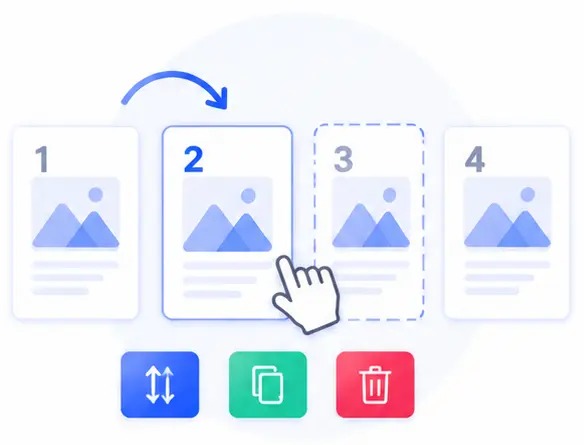
Complete Page-Level Editing
Take full control of your documents. You aren’t just merging files—you can reorder, duplicate, or delete specific pages to build the exact layout you need.
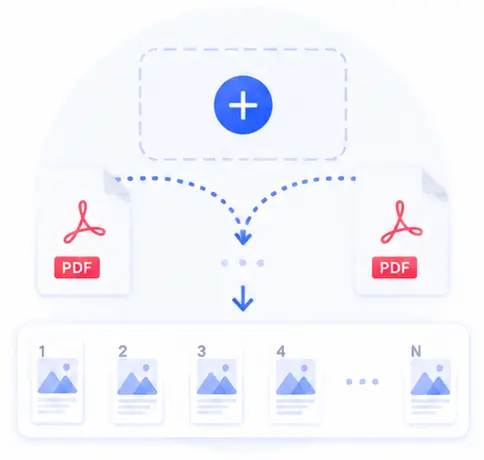
Seamless Multi-PDF Appending
Need to inject pages from a different document? Easily upload more files to append their pages directly into your active workspace.
Instant Browser Performance
Since the editing happens entirely on your machine without back-and-forth network requests, page loading and exporting are lightning-fast.
Organize PDF Online FAQs
Is it secure to upload private or financial PDFs to this organizer?
Yes, it is 100% secure. Your files are never uploaded to the cloud. All processing, rendering, and rebuilding happen right on your local device within your browser, ensuring absolute privacy.
Can I delete specific pages from a PDF file using this tool?
Absolutely. After loading your document, you will see thumbnails of every single page. Simply click the x button on any page thumbnail to remove it from the final document.
Can I copy or duplicate a page inside the PDF?
Yes! If you need to repeat a specific layout or form page, you can use the + function to instantly duplicate that page within the list, then drag it into the exact position you want.
Is there a page limit or a subscription required to export?
No subscription or account registration is ever required. This tool is completely free and unconstrained by external server limits, meaning you can organize large documents completely free of charge.