
Split PDF
Split PDF into separate files instantly, 100% private and local.
How to Split PDF Pages Online
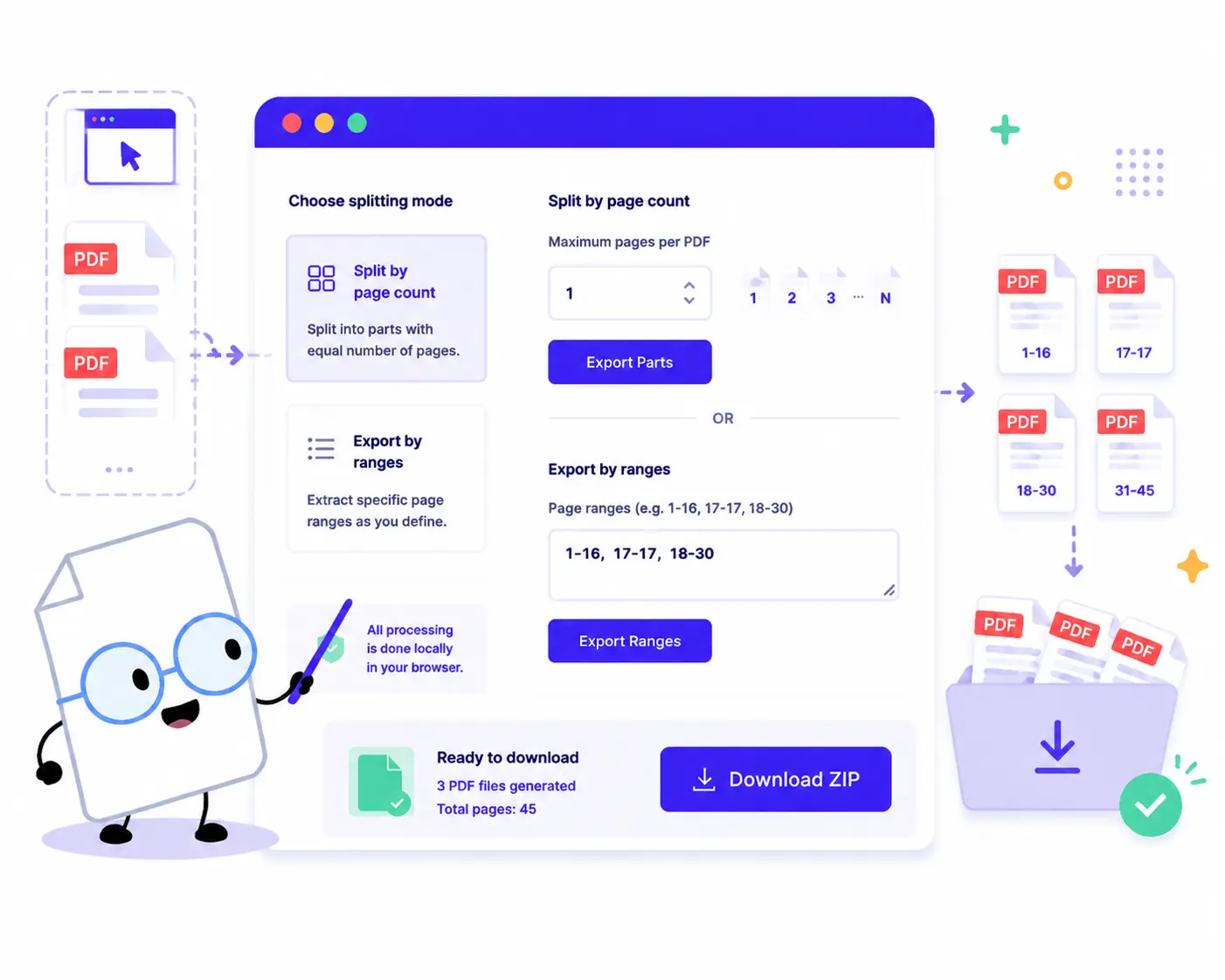
Extract pages or break down your large PDF documents into smaller parts with these simple steps:
1. Upload Your PDF: Drag and drop or click to choose your document. This tool processes one PDF file at a time for optimal local performance.
2. Choose Your Splitting Mode: Split By Page Count: Enter the maximum number of Pages per PDF (e.g., entering 1 will save every single page as an individual file) and click Export Parts. Export By Ranges: Type your preferred precise page intervals into the text area (e.g., 1-16, 17-17) and click Export Ranges.
3. Download Your Split Files: Check the summary area to review generated results and click Download ZIP to fetch all your extracted PDF parts at once.
Key Features of Our Online PDF Splitter
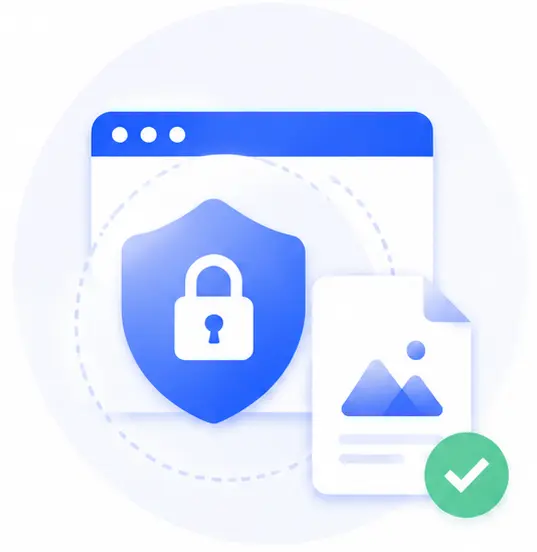
100% Private Local Splitting
Complete peace of mind. Your file stays local in this browser. Because the splitting algorithm executes entirely inside your device’s browser workspace, your documents are never sent to external servers.
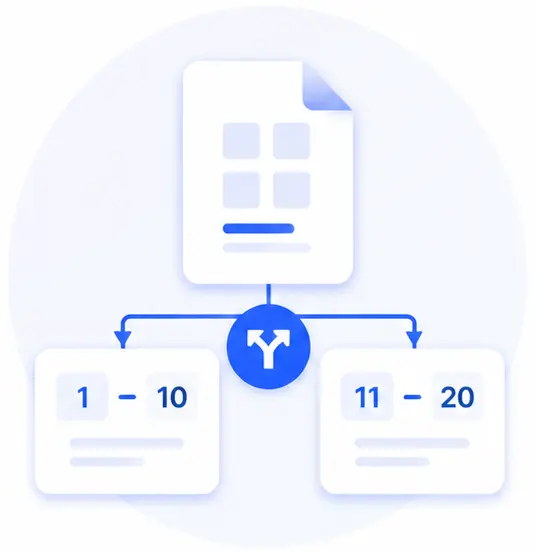
Dual Flexible Splitting Methods
Break down documents exactly how you want. Use the automatic counter mode to slice large manuals into uniform chunks, or use the custom range input to extract specific multi-page chapters.
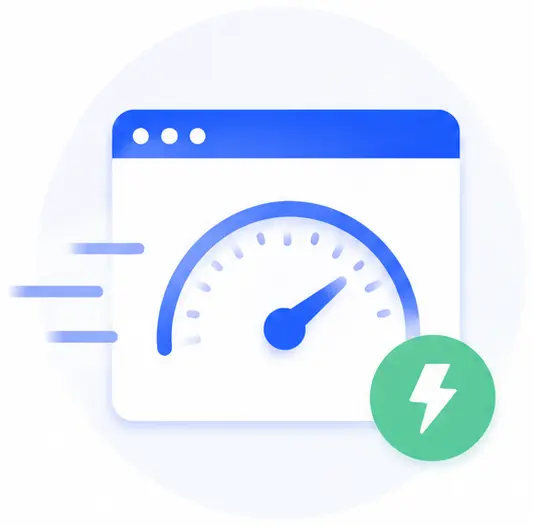
Instant, Bandwidth-Saving Speeds
Traditional cloud-based splitters waste minutes uploading large gigabyte files. Since our tool operates locally, your file is separated almost instantly without consuming internet data.
Completely Free with Zero Restrictions
Extract as many chapters, pages, or files as you need. There are no registration forms, hourly limits, or hidden fees added to your downloads.
Split PDF Online FAQs
Is it safe to extract confidential legal or medical pages using this tool?
Yes, absolutely. Your documents remain completely secure because all operations are performed locally within your web browser. No files are uploaded, cached, or read by a server, rendering it immune to data breaches or online leaks.
How do I use comma separation to export multiple custom page chunks?
In the “Export By Ranges” box, you can define continuous ranges using a hyphen and separate distinct files using commas. For example, typing 1-5, 10, 12-15 will output three separate PDFs containing pages 1 to 5, page 10 alone, and pages 12 to 15 respectively.
Will splitting my PDF alter the font layout or image quality?
Not at all. The software splits document structural components cleanly without re-compressing layouts. Your newly exported file parts will preserve the exact same resolutions, font layers, text formatting, and image details as your original file.
Can I run this tool offline when I don’t have internet access?
Yes! Once this web application loads in your browser tab, it is fully self-contained. Since it requires no cloud computing power or external network requests, you can continue to split files smoothly even if your connection drops.