
Resize Image
Resize images to exact pixels in bulk, no file upload required.
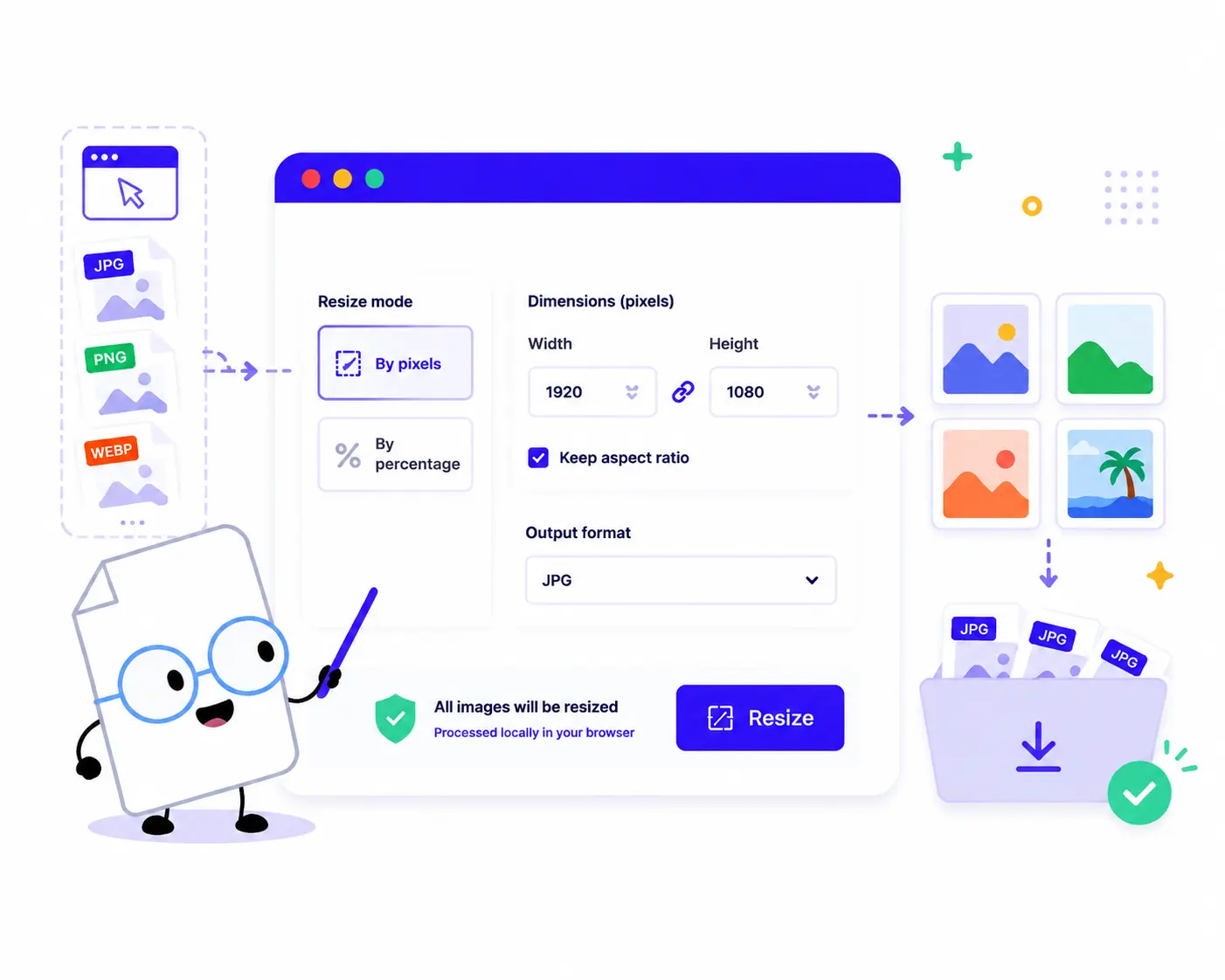
How to Resize Images in Bulk Online
Change your image dimensions in just a few quick steps:
1. Upload Your Images: Drag and drop or click to choose your files. You can select and process multiple images at the same time.
2. Choose Your Resize Mode: * Select By pixels to enter an exact Width and Height in pixels. Select By percentage to scale your images up or down proportionally.
3. Maintain Proportions: Check the Keep aspect ratio box to ensure your images scale perfectly without stretching or distorting.
4. Resize & Download: Click the Resize button to process everything locally in your browser, then click Download ZIP to save all your adjusted images instantly.
Key Features of Our Online Image Resizer
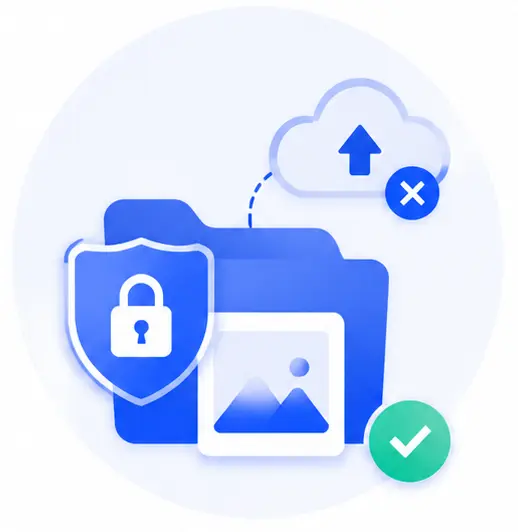
Zero Uploads, 100% Private
Your files never leave your device. Unlike traditional web resizers that store your data on external servers, our tool processes everything locally inside your web browser.
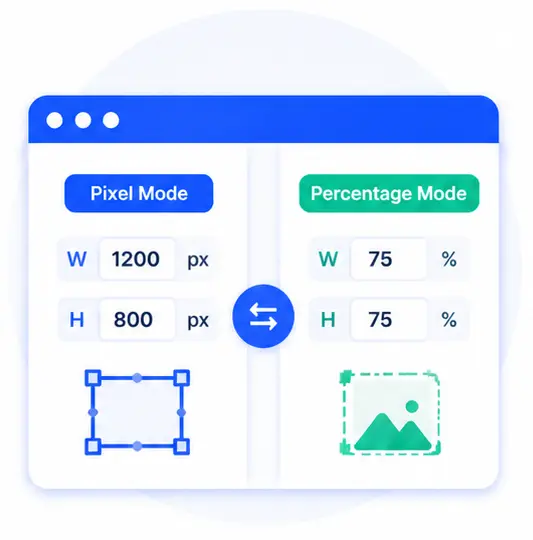
Dual Flexible Modes
Tailor the resizing to your exact needs. Use the pixel mode for precise layout matching (like e-commerce or social media banners), or use the percentage mode for swift scaling.
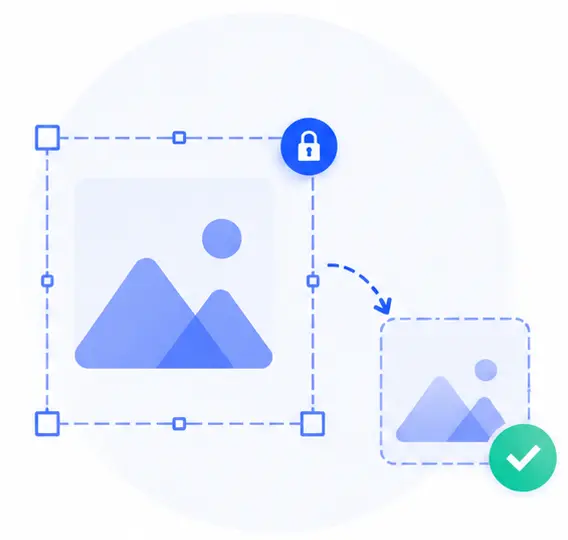
Smart Aspect Ratio Lock
Prevent distorted or squished graphics. The automatic aspect ratio handler recalculates dimensions on the fly to keep your visual content looking flawless.
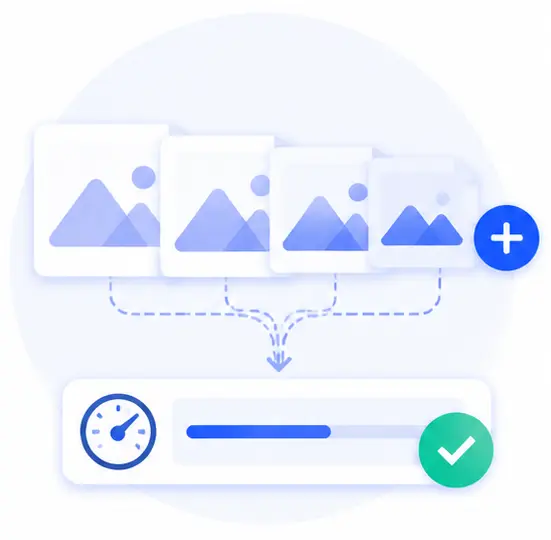
Efficient Batch Optimization
Stop opening photos one by one in heavy software. Batch-load an entire collection of images and change their sizes simultaneously with one single click.
Resize Image Online FAQs
Is it safe to use this tool for private or copyrighted images?
Yes, it is entirely secure. Because this tool runs completely on client-side code, your images are never uploaded to any server. The entire resizing process happens directly on your machine, ensuring total data privacy.
How does the “Keep aspect ratio” option work?
When this box is checked, you only need to input either the desired width or height. The tool will automatically compute the other dimension based on the image’s original proportions, keeping it from stretching.
Can I resize different image formats together in a batch?
Yes! Our resizer supports a wide range of popular web image formats. You can upload a mixed batch, configure your dimension targets, and resize all of them together into a convenient ZIP archive.
Do I need to pay or sign up to resize large batches of images?
Not at all. This tool is completely free, web-based, and requires no registration or installations. There are no artificial limits on file counts since the processing relies entirely on your local browser’s performance.