
Rotate PDF
Rotate PDF pages in any direction, no software, no cloud upload.
How to Rotate PDF Pages Online
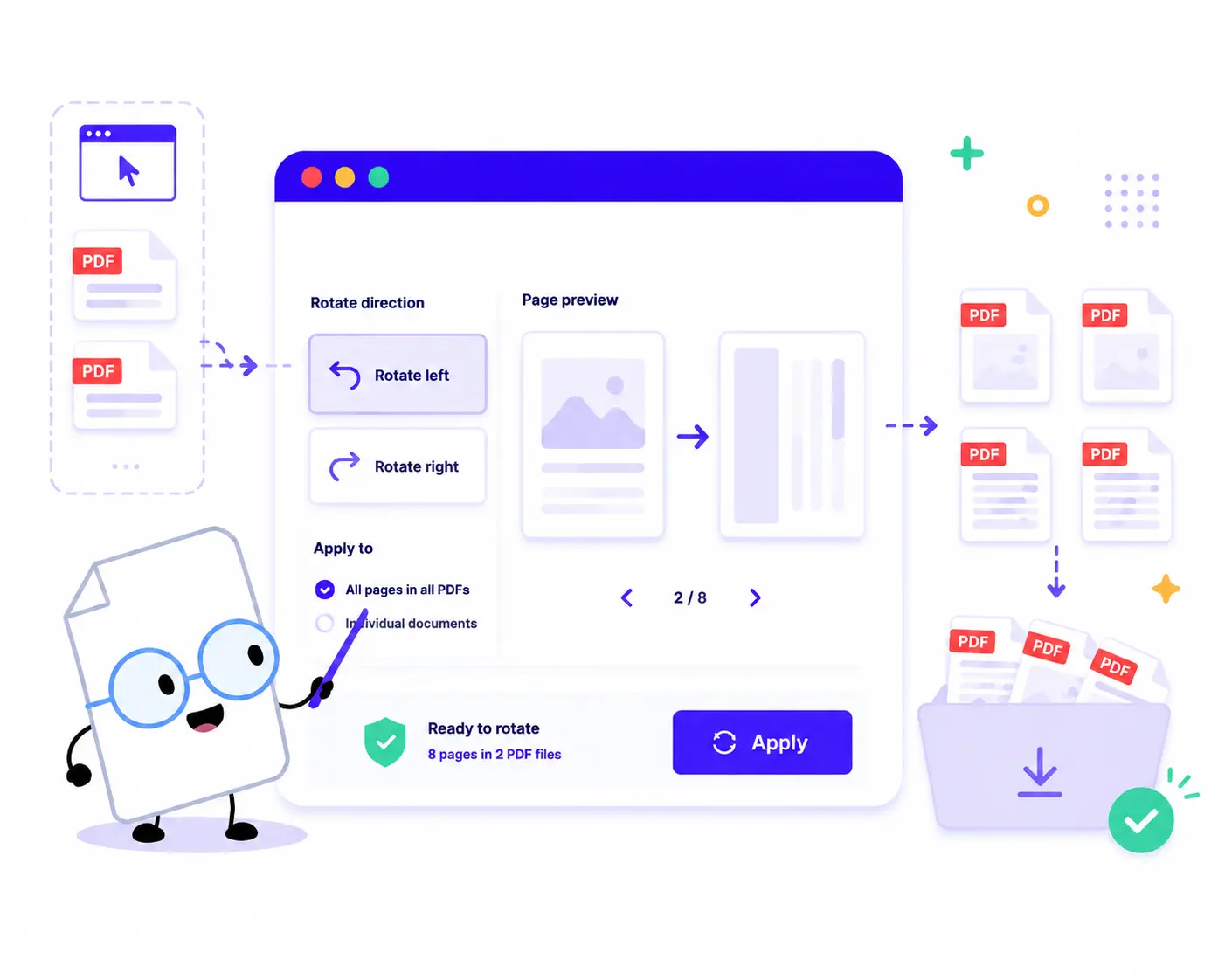
Correct the orientation of your PDF files in just a few quick steps:
1. Upload Your PDFs: Drag and drop or click to choose your documents. You can load one or multiple PDFs to process them at the same time.
2. Select Your Direction: Use the rotation controls in the sidebar to fix your layout: Click Rotate left to spin pages 90 degrees counter-clockwise. Click Rotate right to spin pages 90 degrees clockwise.
3. Apply to Pages: Choose to rotate individual documents or click Apply to instantly sync your chosen orientation across all files in the list.
4. Download Your Files: Review the final summary counter and click Download ZIP to save all your perfectly oriented PDF documents in one click.
Key Features of Our Online PDF Rotator
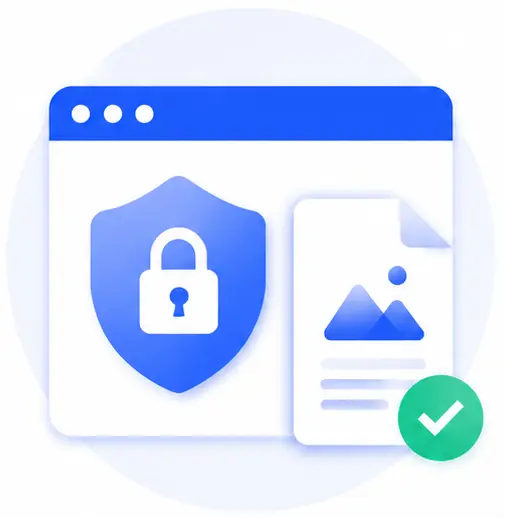
100% Local & Secure Privacy
Your files stay local in this browser. Unlike traditional converters that require cloud processing, this tool handles your text and images locally on your machine, ensuring your sensitive data never leaves your device.
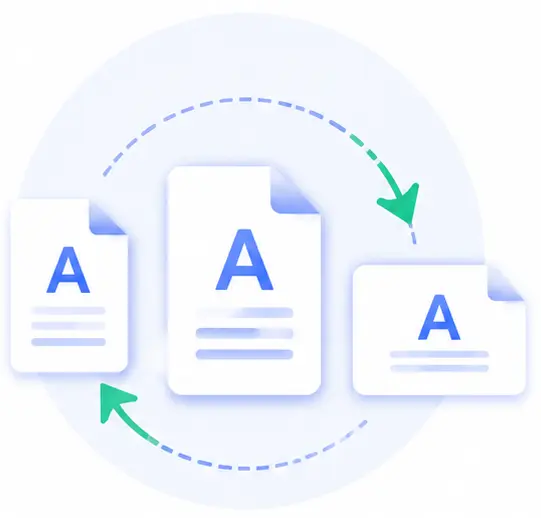
Flexible Page Orientation Control
Total control over your layout. You can adjust files individually or use the mass tool options to rotate entire collections of documents simultaneously.

Instant Browser Performance
Since there are no heavy uploads or downloads from remote server grids, the file alignment updates happen instantly, saving both your broadband data and time.
Zero Cost, No Registrations
No credit cards or user sign-ups needed. Enjoy professional-grade multi-page formatting tools directly in your browser window without any watermarks or limitations.
Rotate PDF Online FAQs
Is it safe to load my private contracts or bank statements here?
Yes, it is 100% secure. Because this tool runs entirely on local client-side programming, your files are never uploaded to a cloud server. Your private details remain strictly confidential on your computer.
Can I rotate multiple distinct PDF files in the same batch?
Absolutely. You can load an entire folder of different PDF documents into the upload window, select your adjustment angle, click “Apply”, and download the fixed results together as a clean ZIP package.
Does rotating the document degrade the original layout or font clarity?
Not at all. The application changes the internal rotation flag of the PDF page parameters directly. This ensures that text fonts, embedded vectors, and images stay pixel-perfect and sharp.
Do I need to install any browser plugins or desktop software?
No software or installations are needed. This tool runs completely inside any standard modern web browser (such as Chrome, Safari, Edge, or Firefox) on both desktop systems and mobile phones.