
Crop PDF
Trim and crop PDF pages instantly, your documents stay private.
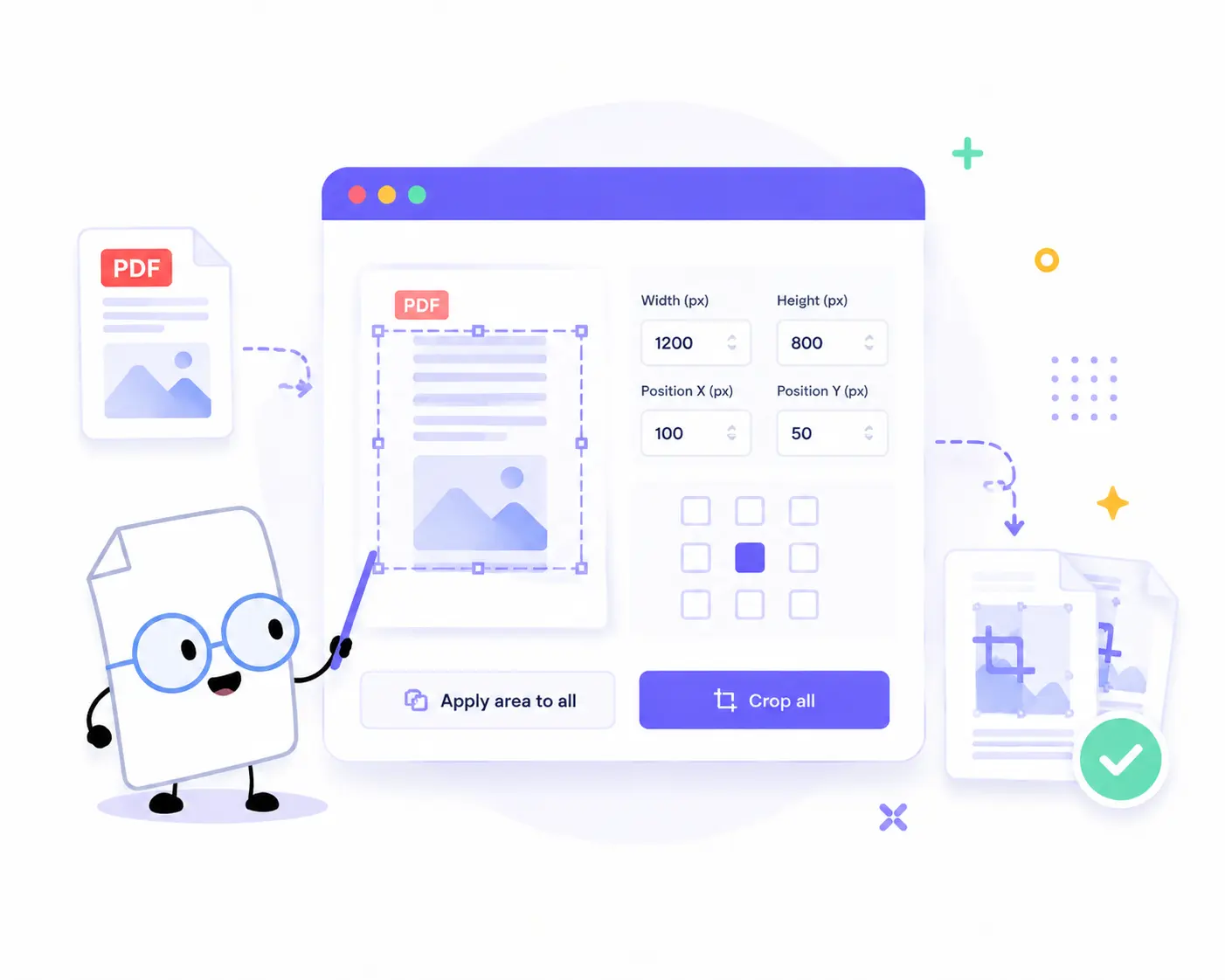
How to Crop PDF Pages Online
Trim your document margins and adjust page sizes in just a few simple steps:
1. Upload Your PDFs: Drag and drop or click to choose your files. You can add one or multiple PDFs to the queue at once.
2. Define the Crop Area: Enter your desired Width and Height values, or specify the exact layout using the Position X and Position Y coordinates.
3. Align with Precision: Use the 3×3 Position matrix to instantly anchor your crop area to the center, corners, or sides of the page.
4. Apply and Process: Click Apply area to all to sync your dimensions across multiple documents. Then, click Crop all (or Crop selected for a single file).
5. Download Your Files: Save your individual cropped documents or grab everything at once by clicking Download ZIP.
Key Features of Our PDF Cropper
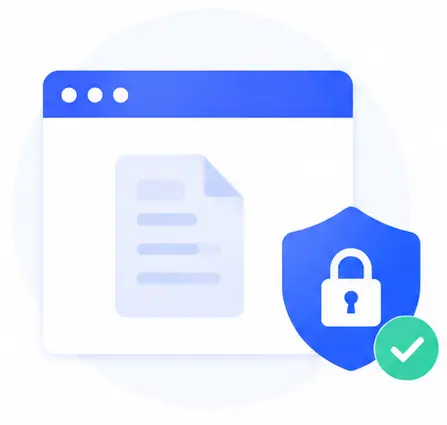
Guaranteed Document Privacy
Your documents stay private. Because this tool runs entirely via client-side code in your browser, no servers are involved. Your sensitive files are never uploaded or stored online.
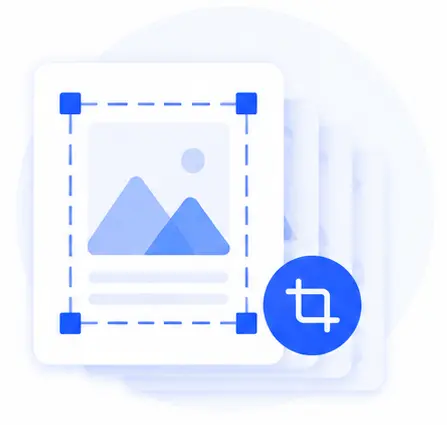
Proportional Multi-Page Cropping
No need to edit page by page. The crop area is defined on the first-page preview and then applied proportionally to every page within that PDF automatically.
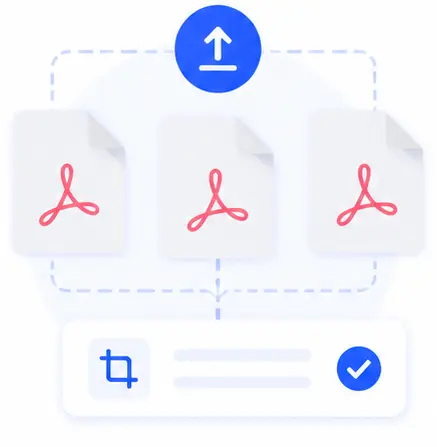
Smart Batch Processing
Managing multiple files is seamless. Upload a group of PDFs, set your dimensions once, and crop your entire list simultaneously to eliminate repetitive manual work.
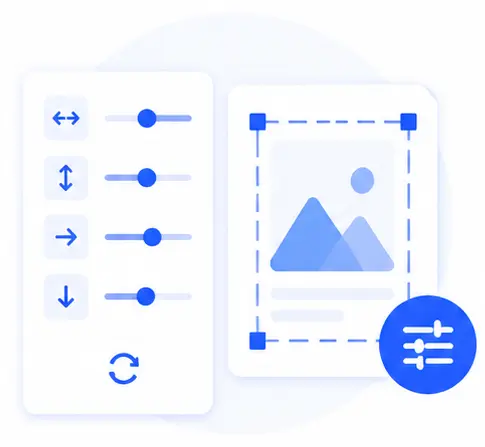
Pixel-Perfect Control
Take absolute control of your document layout. Adjust width, height, and offsets down to the exact measurement, or click Reset to clear all inputs instantly.
Crop PDF Online FAQs
Is it safe to process confidential or sensitive PDFs with this tool?
Yes, it is 100% secure. Unlike traditional tools, our PDF cropper performs all operations locally within your web browser. Your documents are never transmitted to an external server, ensuring complete data privacy.
How does the tool handle PDFs with multiple pages?
It is completely automated for speed. You only need to set the crop box on the interactive preview of the first page. The tool will then mirror those exact dimensions proportionally across all subsequent pages in that document.
Can I crop several different PDF files at the same time?
Absolutely. Our tool supports robust batch processing. You can load multiple distinct PDF files, configure your layout settings, click Apply area to all, and then crop or download the entire batch together.
Do I need to install an application or pay for a premium subscription?
No, this tool is entirely free and web-based. It runs perfectly on all modern web browsers (Chrome, Safari, Firefox, Edge) across desktop and mobile devices without requiring installations, account registrations, or hidden fees.