
PDF to JPG
Export PDF pages as JPG images, no watermark, fully local.
How to Convert PDF to JPG Online
Turn your PDF documents into crisp images in just a few clicks:
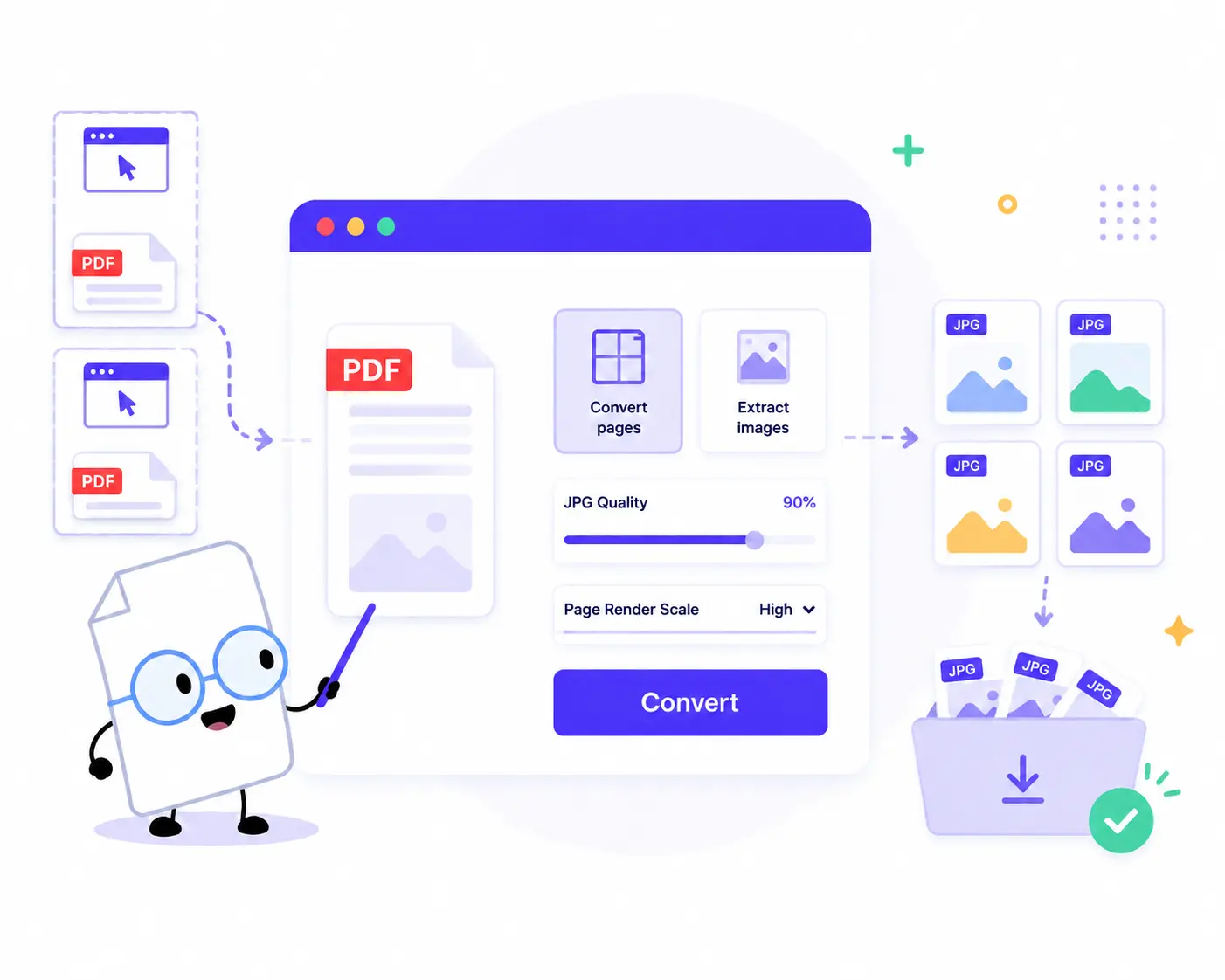
1. Upload Your PDFs: Drag and drop or click to choose your documents. You can add one or multiple PDFs at once.
2. Select Your Mode: Choose between Convert pages (to turn entire PDF pages into images) or Extract images (to pull out raw image objects embedded within the PDF).
3. Fine-Tune Settings: Adjust the JPG quality slider (e.g., to 90% or higher) and set your preferred Page render scale (Balanced, High, etc.) to get the perfect file size and clarity.
4. Convert: Click the Convert button to process your documents securely directly inside your web browser.
5. Download: Review your summary (total converted JPG files) and download your images individually or all together as a single ZIP file.
Key Features of Our PDF to JPG Converter
Fully Local & Private
Security you can trust. Since all files are processed locally inside your web browser using client-side scripts, no files are ever uploaded to a server. Your sensitive documents stay strictly on your device.
Dual Conversion Modes
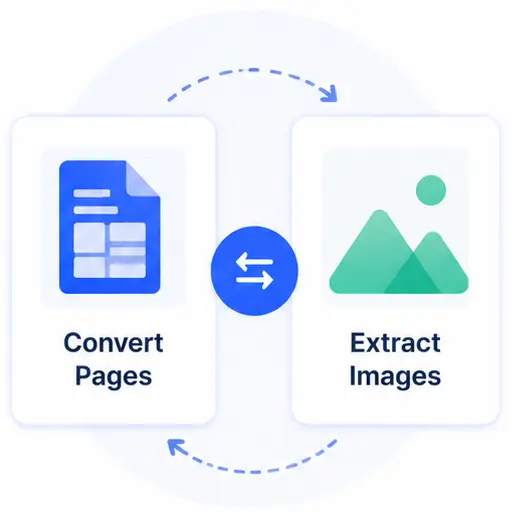
Switch effortlessly between two powerful options. Use Convert Pages for complete snapshots of your document layouts, or use Extract Images to scrape embedded graphics and photos out of the PDF.
No Watermarks, 100% Free
Enjoy clean, professional results. Unlike other online converters, we never overlay ugly watermarks or logos on your output images.
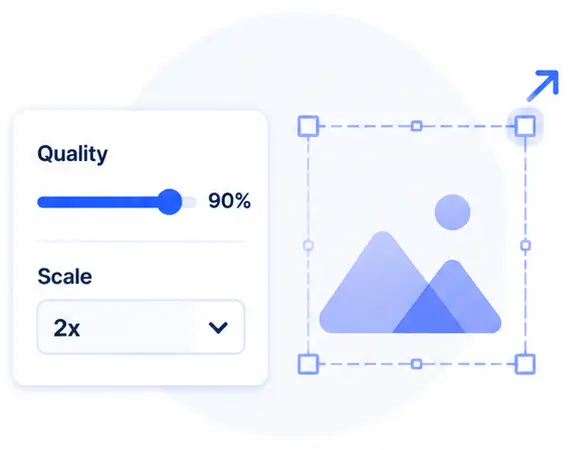
Custom Quality & Scaling
Take control of your resolution. Use the responsive quality slider and render scale selector to balance pixel-perfect sharpness against optimal storage savings.
Convert PDF to JPG Online FAQs
Are my PDF documents safe when using this converter?
Yes, absolutely. Our tool operates entirely via local client-side processing. Your PDF documents are never transmitted to an external server or cloud, making it completely secure for private, legal, or financial files.
What is the difference between “Convert pages” and “Extract images”?
Convert pages renders every entire sheet of your PDF into a standalone photo layout. Extract images goes inside the code of the PDF file and pulls out only the raw standalone pictures/objects that were originally embedded inside it, which is ideal for recovering specific assets.
Will the converted JPG images have watermarks?
No, never. Our tool is completely unrestricted and free. All exported images are saved in their original quality without any watermarks or branding added.
Do I need a fast internet connection to use this?
Not at all. Since the heavy lifting and conversion are done using your computer’s local hardware and browser, it does not rely on internet upload or download bandwidth, making it incredibly fast even offline.