
Watermark PDF
Stamp watermarks across PDF pages in batch, no server upload.

How to Watermark PDFs in Bulk Online
Protect your sensitive documents and brand your PDF files in just a few quick steps:
1. Upload Your PDFs: Drag and drop or click to choose your documents. You can add one or multiple PDFs to apply watermarks in a single batch.
2. Enter Your Watermark Text: In the Text panel on the right, type your custom overlay content (e.g., Confidential, Do Not Copy, or your company name).
3. Customize Style & Typography: Fine-tune the look to fit your official document layout: Choose your professional Font style and change Font Size. Pick a custom Text Color and lower the Opacity % so the watermark stays semi-transparent and doesn’t block the underlying document text.
4. Adjust Layout & Positioning: Set the exact location using Position X % / Y %, adjust the Rotation angle, and tweak the Line Gap spacing. Click Tile if you want the text pattern to repeat across the entire page.
5. Apply and Download: Use the 9-point grid for instant alignment placement, click Watermark all, and hit Download ZIP to save your secured documents.
Key Features of Our Online PDF Watermarker
100% Local & Zero Uploads
Absolute data privacy for your legal, financial, or personal PDFs. While traditional online editors force you to upload files to a remote server, our script handles everything locally inside your web browser memory. No server is involved.
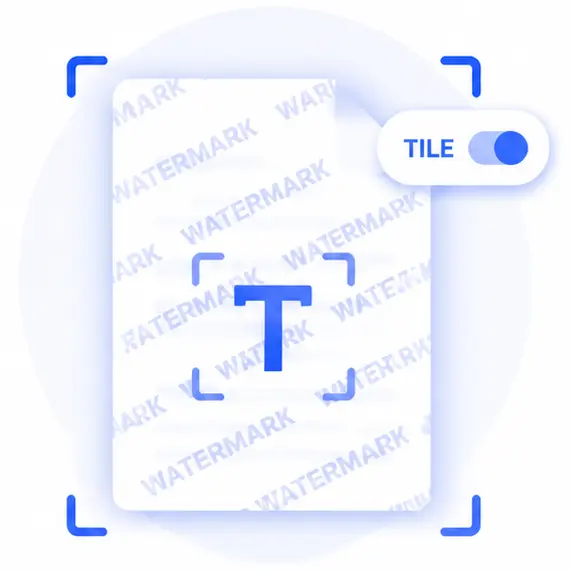
Advanced Repeating Tiling Mode
Prevent anyone from easily cropping or removing your ownership tags. By activating the Tile mode, your text watermark will seamlessly repeat over the full grid of every single page in the PDF.
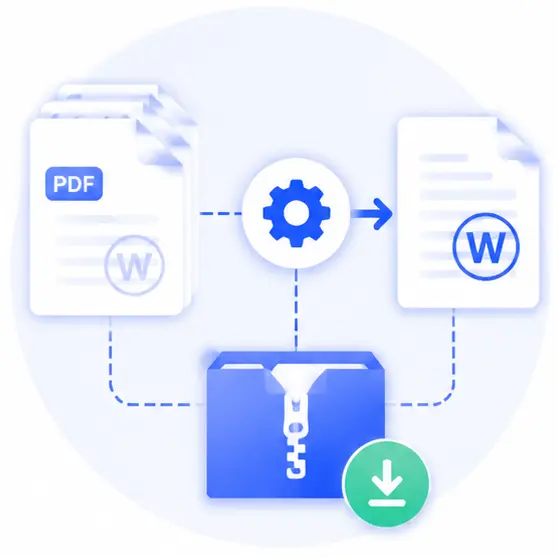
High-Efficiency Batch Stamping
Don’t waste time opening documents one by one. Configure your master stamp parameters once, apply them across dozens of loaded files simultaneously, and download everything in one packed archive instantly.

Completely Free with Zero Account Restrictions
Get professional-grade watermarking layout controls right in your web window without needing a user sign-up, premium license, or background software installations.
Watermark PDF Online FAQs
Is it safe to apply watermarks to confidential business contracts here?
Yes, it is completely secure. Our web tool executes all layout filters and text layers locally on your device. Since your actual PDF files are never sent over the internet or handled by any external host cloud, your details remain completely private.
How do I ensure the watermark doesn’t hide the original text layers?
You can easily achieve this by lowering the Opacity % value in the sidebar panel. Setting it to a lower value (like 20 or 30) blends the watermark into a faint background layer, keeping the document fully legible.
Can I watermark multi-page PDFs simultaneously?
Absolutely. When you load a multi-page PDF document and click “Watermark all”, the tool automatically syncs your defined text style, angle, and positioning across every single page inside that file batch.
Does using this web tool corrupt or alter the fonts inside my original PDF?
Not at all. The underlying code renders your custom watermark as a separate independent layer vector mask on top of the pages. Your original layout architecture, text searchability, and graphic resolutions stay pixel-perfect and untouched.