

How to Clear Image Metadata For Free
1. Upload Your Images: Drag and drop images into the upload area, or click to choose files from your device. You can add multiple images at once.
2. Inspect Metadata: Select any image to preview it and view detected metadata such as EXIF, XMP, ICC profile, timestamps, comments, or PNG text chunks.
3. Clear Metadata: Click “Clear selected” to clean one image, or “Clear all” to batch remove metadata from all uploaded images.
4. Download Clean Images: Download the selected cleaned image individually, or save all cleaned images together as a ZIP file.
Key Features of Our Image Metadata Remover

100% Private Local Processing
Your images are processed directly in your browser and are never uploaded to any server.
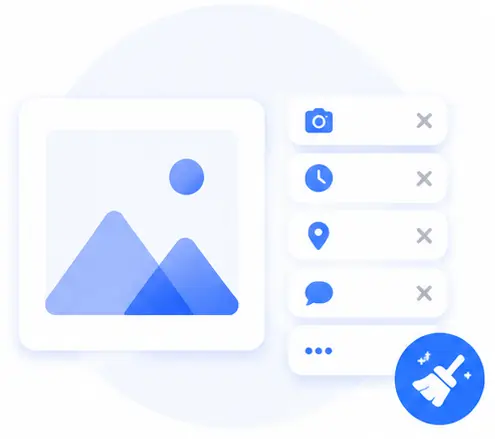
Remove Hidden EXIF Data
Clear camera model, shooting time, orientation, GPS location, comments, and other embedded image information.

Batch Metadata Cleaning
Add multiple images and clean them all in one click, saving time when handling large sets of photos.

Metadata Detection Preview
See what metadata markers are found before cleaning and review what was removed afterward.
Clear Image Metadata FAQs
Is it safe to remove metadata with this tool?
Yes. The tool works locally in your browser, so your images are not
uploaded or stored on a remote server.
What metadata can this tool detect and remove?
It can detect common metadata markers such as EXIF, XMP, ICC profiles,IPTC/Photoshop data, JPEG comments, PNG text chunks, timestamps, and WebP metadata chunks.
Can I clear metadata from multiple images at once?
Yes. You can upload multiple images, click “Clear all,” and then download all cleaned images as a ZIP file.
Will clearing metadata change my image?
The tool removes hidden metadata by re-saving the image in the browser. The visible image content is preserved, but the output file size or format may change slightly depending on the original file type.
Do I need to install software?
No. This is a web-based tool that works directly in modern browsers such as Chrome, Safari, Firefox, and Edge.