
Add PDF Page Number
Add page numbers to PDF files free, no upload required.
How to Add Page Numbers to PDF For Free
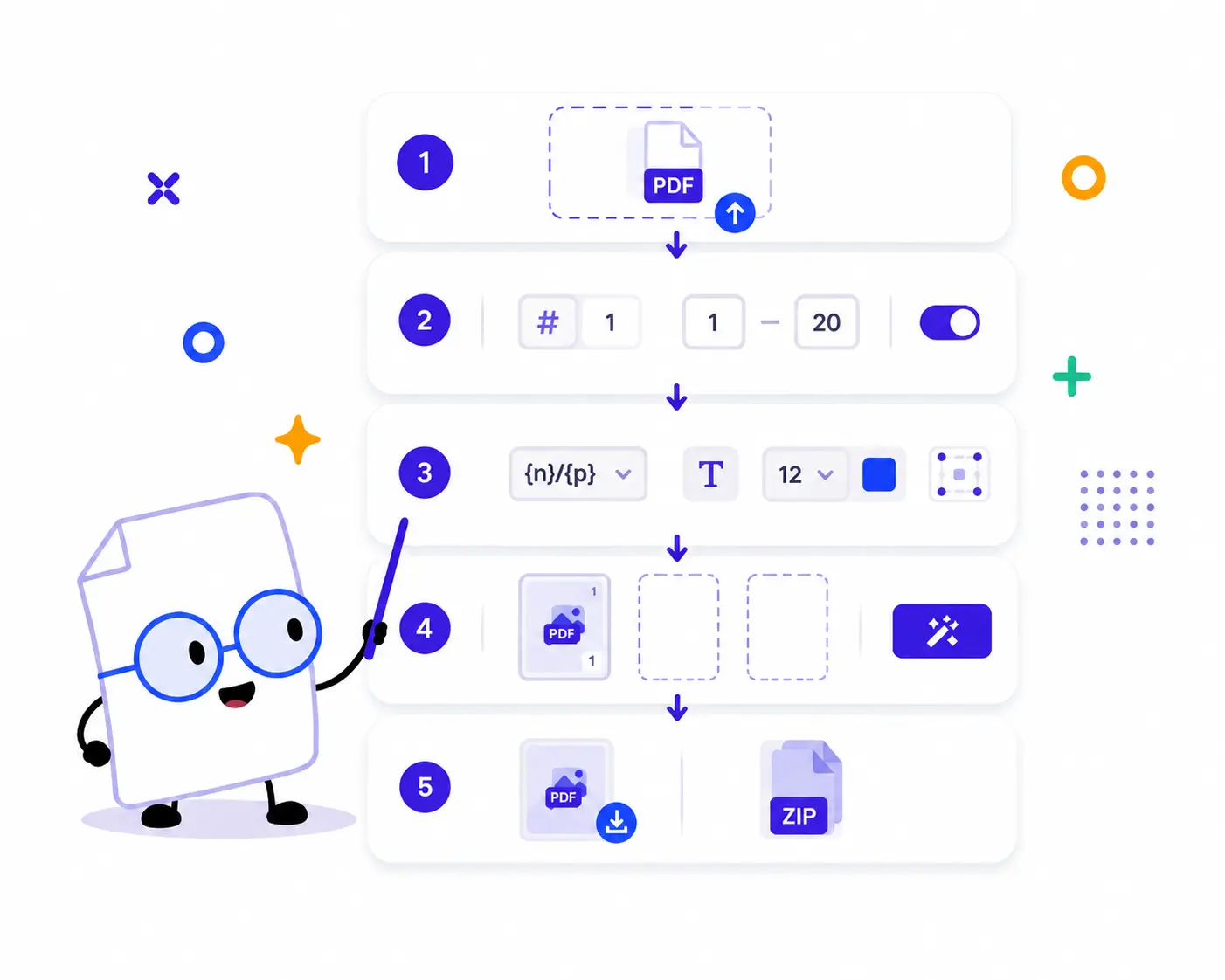
1. Upload Your PDFs: Drag and drop your PDF files into the upload area, or click to choose files from your device. You can select one PDF or add multiple PDFs at once.
2. Choose Numbering Settings: Select Single Page or Spread mode, set the starting page number, choose whether the first page is a cover, and define the page range where numbers should appear.
3. Customize the Style: Pick a page number template such as {n} or {n}/{p}, or enter your own custom text. Then adjust the font, font size, text color, margin, and position.
4. Preview and Apply: Click a PDF to preview the first page and see where the page number will appear. Click Number selected to process one file, or Number all to process every uploaded PDF.
5.Download Your Numbered PDFs: Download the selected numbered PDF individually, or download all processed PDFs together in one convenient ZIP file.
Key Features of Our PDF Page Number Tool

100% Browser-Based Processing
Add page numbers directly in your browser without installing software. Your workflow is fast, lightweight, and easy to use.
Batch PDF Page Numbering
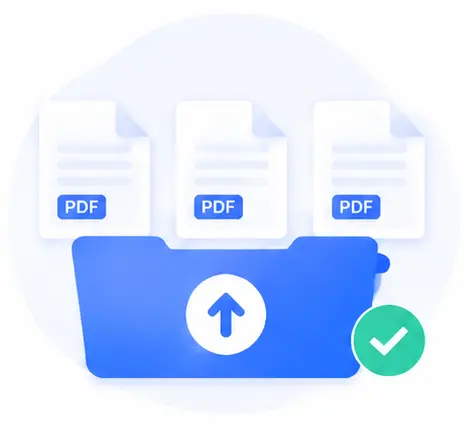
Save time by uploading multiple PDFs and adding page numbers to all of them in one batch
Flexible Page Range Control
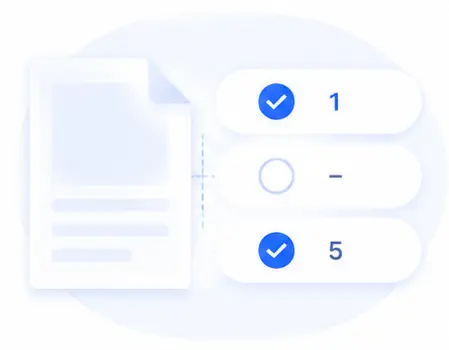
Apply numbers only to selected pages, skip the cover page, and choose the starting number to match your document structure.

Single Page and Spread Modes
Use standard page-by-page numbering, or choose spread mode for booklets, scanned books, and two-page layouts.
Custom Page Number Templates
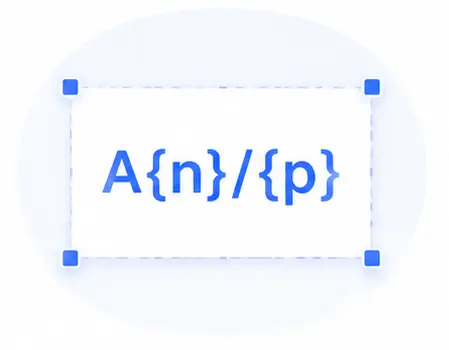
Use simple numbers, current page/total pages, or custom text with {n} for the current number and {p} for total numbered pages.
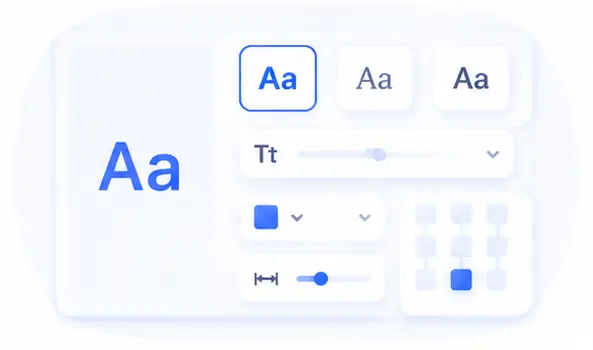
Professional Style Options
Choose Helvetica, Times Roman, or Courier, then adjust font size, color, margin, and one of nine page positions.
Add PDF Page Number FAQs
Is this PDF page number tool free to use?
Yes. You can upload PDF files, customize page number settings, add numbers, and download the processed files directly from your browser.
Can I add page numbers to multiple PDFs at once?
Yes. The tool supports batch processing. Upload multiple PDFs, adjust your settings once, click Number all, and download the numbered files individually or as a ZIP archive.
Can I skip the cover page?
Yes. Enable First page is cover, and the tool will avoid numbering the first page while continuing the numbering logic from the following pages.
Can I choose where the page number appears?
Yes. You can place page numbers in nine positions, including top left, top center, top right, middle left, center, middle right, bottom left, bottom center, and bottom right.
Can I customize the page number text?
Yes. You can use {n} for the current page number and {p} for the total numbered pages. For example, {n}/{p} creates page numbers like 1/10, 2/10, and 3/10.
Do I need to install any software or extensions?
No installation is required. The tool is web-based and works in modern browsers such as Chrome, Safari, Firefox, and Edge.